

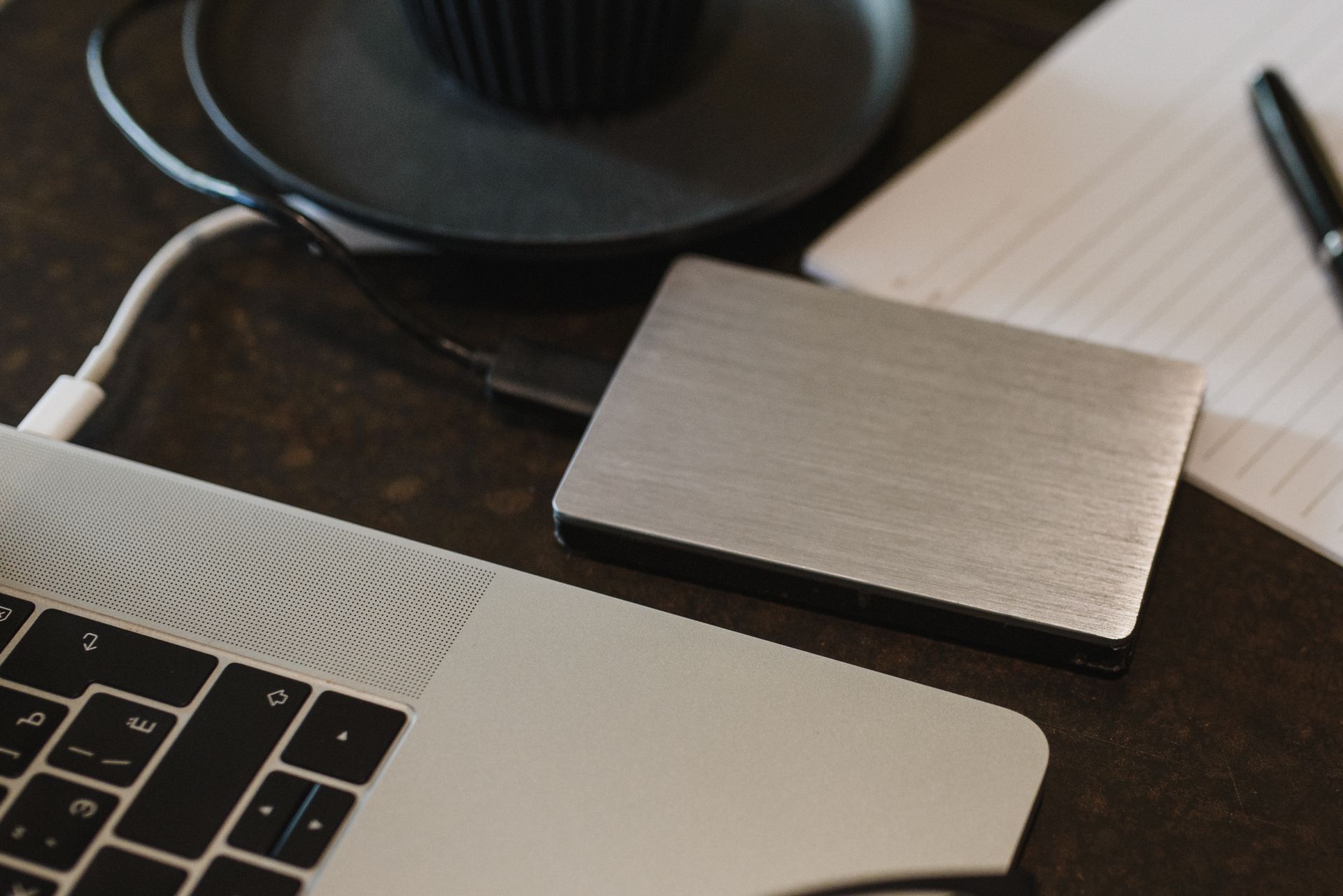
A laptop can be replaced, but family photos, tax records and years of work cannot. That is why where you store your data matters.
Here we compare both options on safety, cost, speed, convenience and privacy, so you can see which one fits your needs.
How Cloud Storage Works
Cloud storage keeps your files on servers owned by a company such as Google, Microsoft or Dropbox, and you can reach them from any device with an internet connection by signing in.
Your files are copied to more than one server, so one hardware failure does not wipe out your data. Cloud services also sync files across your phone, laptop and tablet, and most give you a small amount of free space, with a fee for more.
How an External Hard Drive Works
An external hard drive is a physical device that plugs into your computer, usually through a USB cable. You copy files to the drive, and they stay there until you connect it again.
Hard drives come in two main types: a traditional hard disk drive (HDD), which uses spinning disks and costs less per gigabyte, and a solid state drive (SSD), which has no moving parts, is faster, and costs more. Both work without the internet, and you pay once.
Safety and Risks
Each option has its own risks.
Cloud storage protects you from physical damage. If your laptop is stolen, dropped or damaged by water or fire, your files are still safe on the company servers. The main cloud risks are account based. If someone guesses your password or tricks you into sharing a code, they can reach your files, and if you lose access to your account, your files can be out of reach for a while.
An external hard drive is safe from hacking, because it is offline when it sits in a drawer. But it shares every physical risk with your computer: theft, drops, water and fire. It can also fail with no warning, and recovery is expensive and sometimes impossible.
Neither option is perfect alone. Cloud storage survives a house fire but not a hacked account, and an external drive is the opposite. That is why backups matter more than the choice of one tool.
Cost Over 3 Years
Price depends on how much space you need.
A 100 GB to 200 GB cloud plan costs around 2 to 3 dollars per month, or roughly 72 to 108 dollars over three years. A 2 TB plan costs around 10 dollars per month, or about 360 dollars over three years. The price never stops, but you also get syncing, sharing and support.
An external hard drive is a one time purchase. A 1 TB portable drive often costs 50 to 70 dollars, and a 2 TB drive costs 70 to 100 dollars, which is usually cheaper than cloud storage over three years. The catch is that drives wear out, so plan to replace a drive every four to five years.
If your budget is tight, an external drive gives you more space for less money, and you can use free cloud storage for your most important files. If you want help planning your budget, read our guide on how to save money on a low salary, which includes a simple method for setting aside money for tools like this.
Speed and Internet Need
An external hard drive is faster for large transfers. Copying 100 GB of photos to a USB drive takes minutes to a couple of hours, and it works with no internet at all, which makes it the better choice for big video files and full system backups.
Cloud storage speed depends on your internet upload speed. Uploading the same 100 GB on a slow connection can take a full day or more. Once files are uploaded, opening them feels instant, but you still need the internet to reach your files, which can be a problem when you travel.
Convenience and Sharing
Cloud storage wins on convenience. Your files follow you from your phone to your laptop to a library computer, and you can share a link to a file or folder with one tap. Other people can view or edit it without you handing them a device, which is ideal for work files, school projects and family photos.
An external hard drive is less convenient. You must carry it with you and plug it in before you can use your files, and sharing a file means handing over the whole drive or copying the file first. On the other hand, a drive works anywhere, with no account, no password and no internet.
Privacy and Control
Privacy is another big difference.
With an external hard drive, you are in full control. Your files exist only on a device you own, and no company can read them or scan them. You can also encrypt the drive with a password, which keeps the files safe even if the drive is stolen.
With cloud storage, you trust a company with your files. Reputable services encrypt data and follow strict rules, but your files live on someone else’s computers, and the company can see file names and sometimes scan content to follow the law. If you store sensitive documents, you can encrypt them yourself before uploading, though that takes extra effort.
For most people, a well known cloud service is private enough for everyday files. For sensitive documents, a local drive with encryption gives stronger control.
The Simple Answer: Use Both, With the 3-2-1 Backup Rule
The safest setup uses both, following the 3-2-1 backup rule.
Keep 3 copies of every important file, stored on 2 different types of storage, with 1 copy in a different place, such as the cloud or a drive stored away from home.
A practical setup is simple. Keep your working files on your computer, copy them to an external hard drive once a week, and let a cloud service sync your most important folders automatically. Now a stolen laptop, a failed drive and a hacked account cannot all take your files at once, because each copy sits in a different place.
Before you make big changes to your computer, such as cleaning up or upgrading it, back up first. Our guide on how to make your old laptop faster explains the same safety step before you start fixing a slow laptop.
FAQ
Is cloud storage safer than an external hard drive?
Cloud storage is safer against theft, fire and damage, because your files live far from your home, while an external drive is safer against hacking, because it is offline. The safest setup uses both.
How much cloud storage do I need?
Most people need 100 GB to 200 GB for documents and photos, or 1 TB to 2 TB for lots of video. Check your current usage, add room to grow, and start with the smaller plan if you are unsure.
Do external hard drives fail?
Yes, all hard drives fail eventually. Traditional drives often last three to five years, while solid state drives often last longer, so keep a second copy of important files and never keep your only copy on a single drive.
Conclusion
Cloud storage is best for access from anywhere, sharing and protection from theft and damage, while an external drive is best for large files, offline use, privacy and low long term cost.
For most people the best answer is both. Use the cloud for daily access and sharing, use an external drive for big backups, and keep a copy of your most important files in each place. Set it up once and check it every few weeks.








Leave a Reply